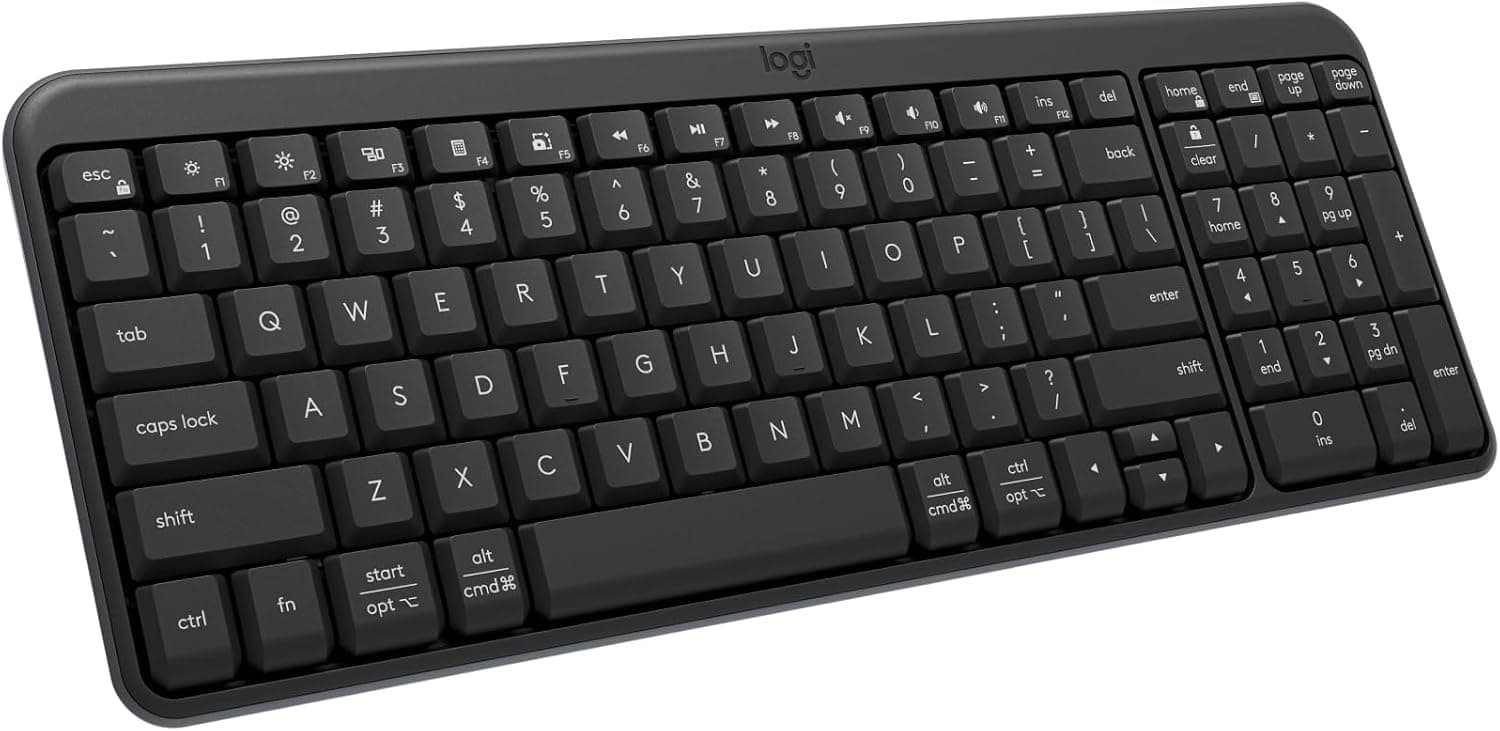
Logitech K250 Compact Wireless Bluetooth Keyboard, Graphite
States plainly: no USB receiverThe listing says the quiet part out loud: Bluetooth only, no USB receiver. That sentence is worth more than a page of features, because it tells you the one thing that decides whether this keyboard works on a given machine at all. If the computer has no Bluetooth radio, there is no second route stated here.
What the listing gives you
- +The absence of a receiver is stated rather than left to be discovered.
- +A full number pad is stated on a compact layout.
- +Two operating systems are named.
- +It occupies no USB port at all.
What it does not settle
- —With no receiver, a machine without Bluetooth has no stated way to use it.
- —The listing does not state a Bluetooth version.
- —How many devices it pairs with is not stated.
SuitsA machine with Bluetooth and no USB ports to spare.
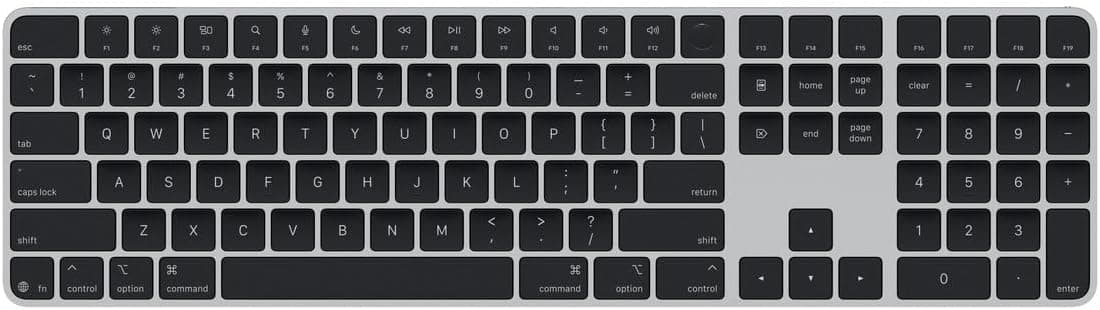
Apple Magic Keyboard with Touch ID and Numeric Keypad, Black Keys
Only stated Touch IDThe Touch ID condition is stated by the seller and is repeated here exactly as stated: Mac models with Apple Silicon. It is not widened to other Macs, other machines or other operating systems, because the listing does not widen it. The numeric keypad and the layout are the other two stated facts.
What the listing gives you
- +The Touch ID condition is stated rather than implied.
- +A numeric keypad is included in the stated layout.
- +The keyboard layout is named.
- +It occupies no USB port for its own connection.
What it does not settle
- —Touch ID is stated only for Mac models with Apple Silicon.
- —The listing does not state a Bluetooth version or a pairing count.
- —Behavior on machines outside the stated condition is not described in the listing.
SuitsA Mac that meets the stated Apple Silicon condition and wants a keypad.
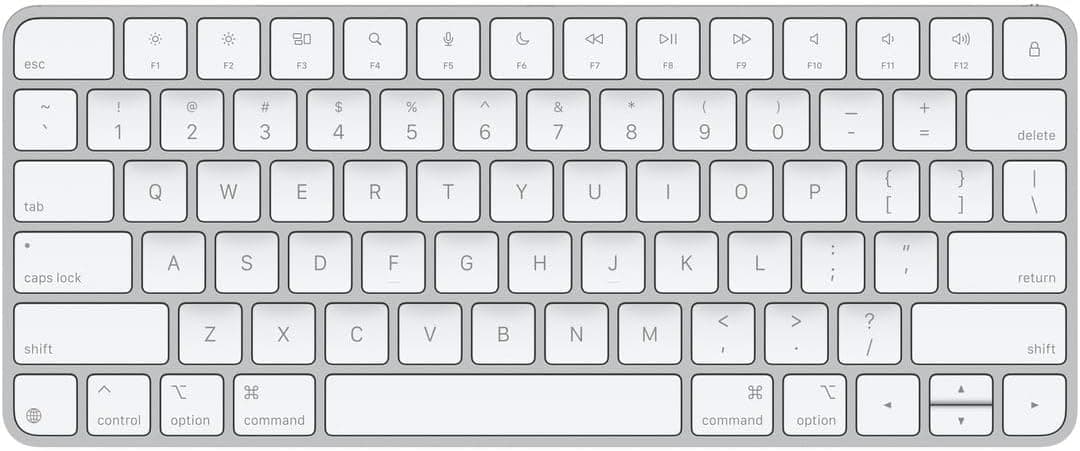
Apple Magic Keyboard, US English, Bluetooth
Connection and layout, nothing elseTwo facts: how it connects, and what layout it has. That is the entire listing. No battery figure, no pairing count, no operating system list, no Bluetooth version. A short listing is not a bad product, but it does mean everything not on this line is unknown from here.
What the listing gives you
- +The connection type is stated without ambiguity.
- +The keyboard layout is named.
- +It occupies no USB port.
- +Nothing in the listing needs to be qualified, because almost nothing is claimed.
What it does not settle
- —No receiver is mentioned, so a machine without Bluetooth has no stated route.
- —No battery, pairing count or Bluetooth version is stated.
- —No operating system compatibility is stated.
SuitsSomeone who already knows what this keyboard is and needs the layout confirmed.
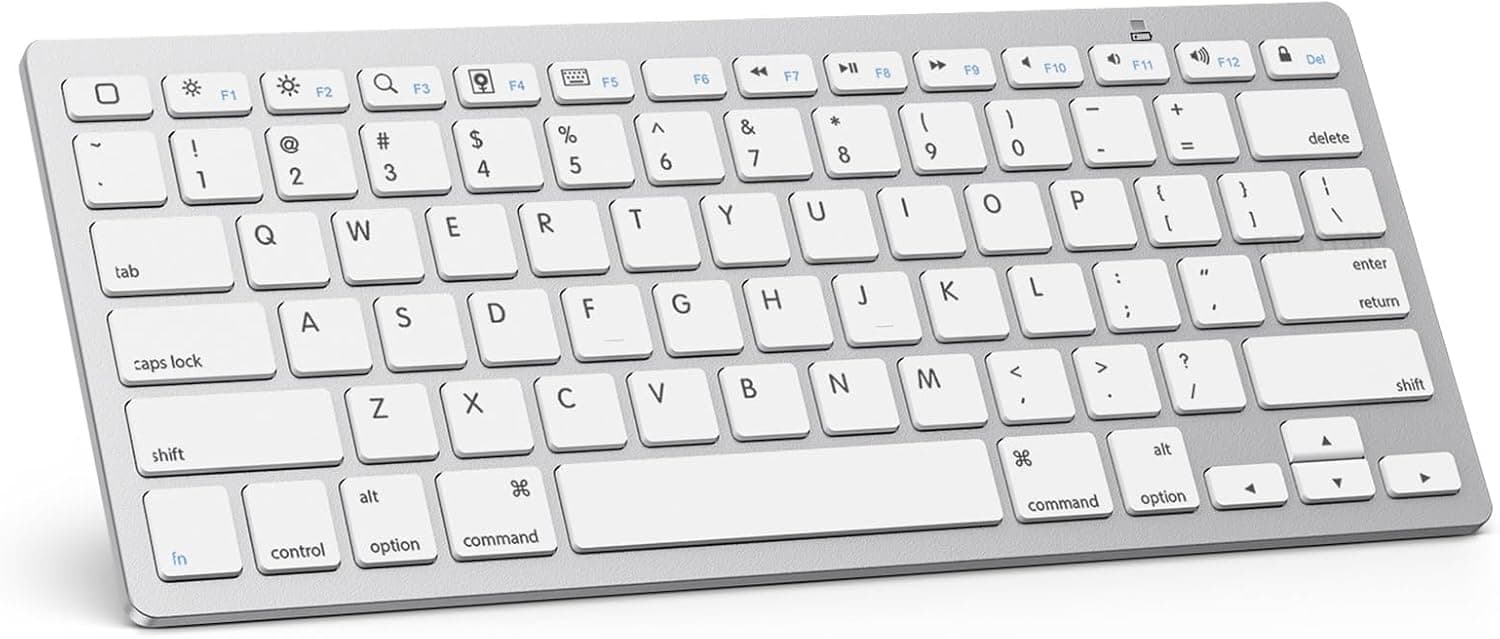
OMOTON Ultra-Slim Bluetooth Keyboard, White
Listing names tablets and phones, not computersEvery device named in this listing is a tablet or a phone. No desktop or laptop computer appears in it. That is a compatibility statement worth reading twice before adding it to a desk setup, because the listing is describing a different job from the other nine keyboards here.
What the listing gives you
- +The device list is specific rather than a vague compatibility claim.
- +Twelve multimedia keys are stated as a figure.
- +It occupies no USB port.
- +The slim form is stated in the product name.
What it does not settle
- —The listing names only tablets and phones, not desktop or laptop computers.
- —No Bluetooth version or pairing count is stated.
- —No battery figure is stated.
SuitsThe tablets and phones the listing actually names.
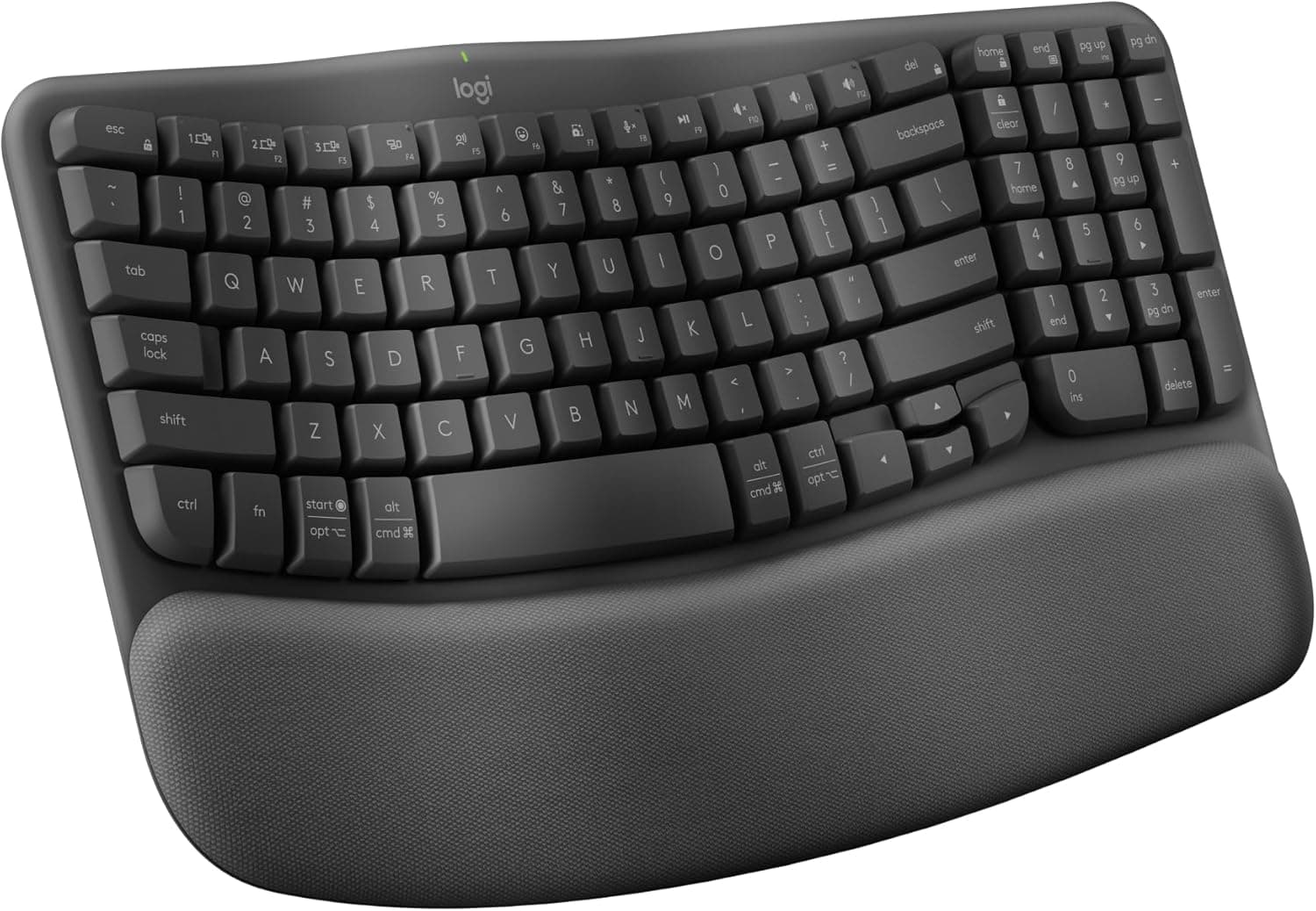
Logitech Wave Keys Ergonomic Wireless Keyboard, Graphite
Both routes stated: Bluetooth and receiverIt is the one keyboard listing in the catalog that names both routes: Bluetooth and a Logi Bolt receiver. That means the port cost is yours to choose rather than fixed by the box. Ergonomic and natural typing posture are the seller’s words, recorded here as listing language and used for nothing else.
What the listing gives you
- +Both connection routes are stated, so the port cost is a choice.
- +Easy-Switch pairing is stated with a device count.
- +A palm rest is included rather than sold separately.
- +Either route can be changed later without replacing the keyboard.
What it does not settle
- —The receiver route occupies a USB-A port if you take it.
- —No Bluetooth version is stated.
- —Ergonomic and natural typing posture are listing terms with no measurement attached.
SuitsA desk where you want to decide later whether to spend a port or a pairing.
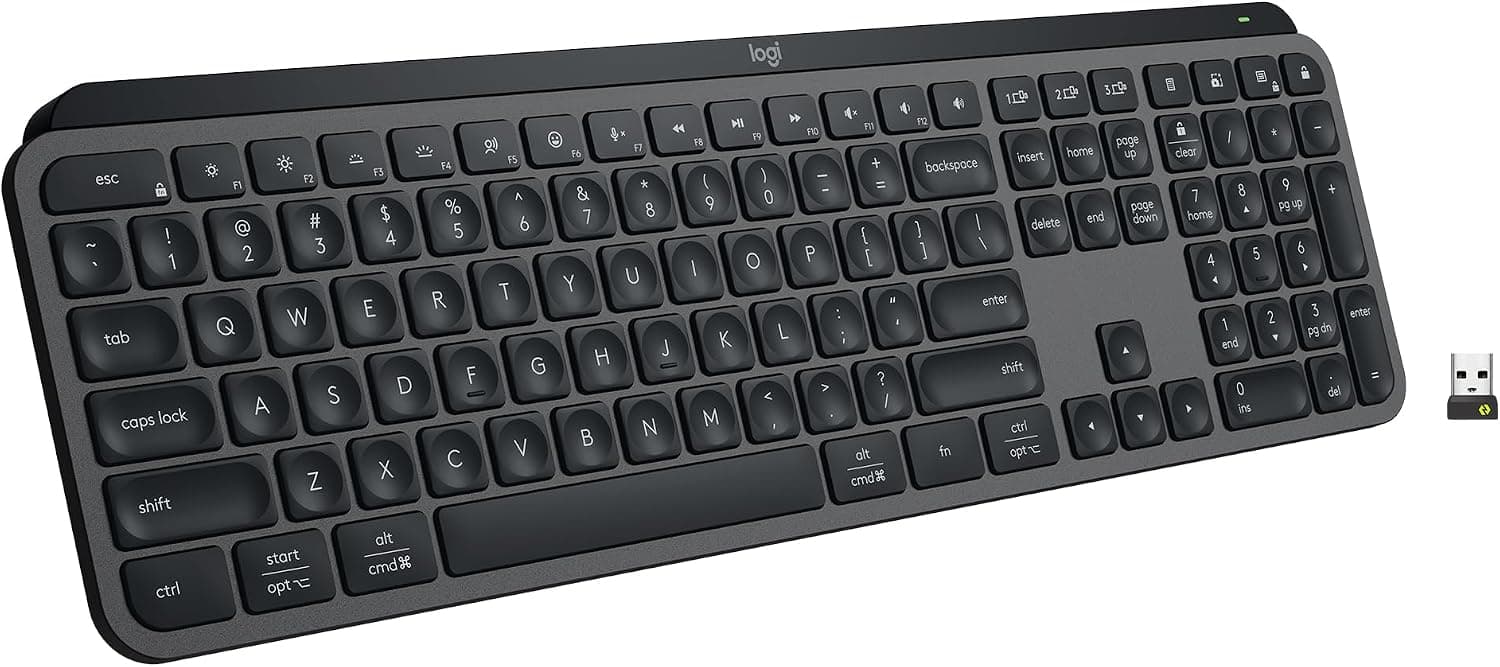
Logitech MX Keys S Wireless Keyboard, Graphite
Only stated USB-C rechargingThe USB-C on this keyboard is for recharging, and the listing says so. It is a useful reminder that the connector shape tells you nothing about the job: the same socket elsewhere in this catalog is expected to carry video. The stated connection route here is the Bolt receiver, which costs a USB-A port.
What the listing gives you
- +The purpose of its USB-C socket is stated: recharging.
- +Battery life is stated as a figure.
- +A device pairing count is stated.
- +The receiver is included rather than sold separately.
What it does not settle
- —The Bolt receiver holds a USB-A port for as long as the keyboard is in use.
- —Ten days is a short stated battery figure next to the two-year figures elsewhere here.
- —The listing does not state Bluetooth as an alternative route.
SuitsA machine with a USB-A port free and a habit of recharging things.
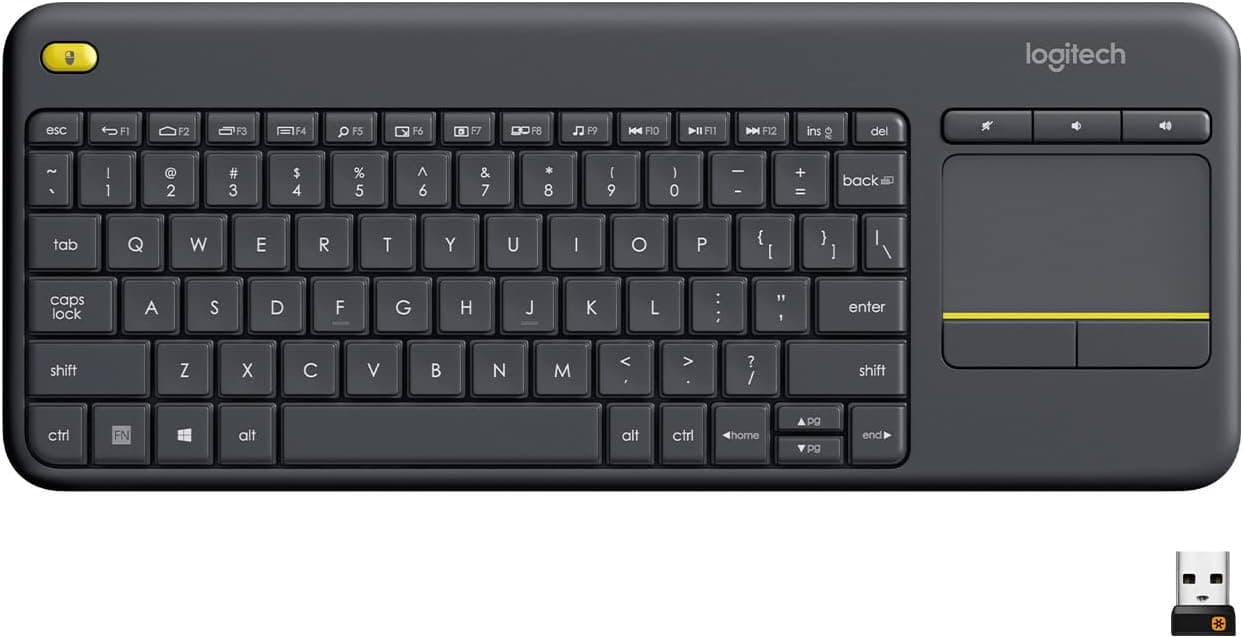
Logitech K400 Plus Wireless Touch Keyboard, Black
Pointing device built inThe pointing device is built into the keyboard, which changes the arithmetic on the rest of the desk: whatever this occupies, it occupies once, for both jobs. The listing describes a PC connected to a TV and names three operating systems. It does not name a Bluetooth route, so this catalog treats it as the receiver route its subgroup describes.
What the listing gives you
- +A touchpad is built in, so no separate mouse is needed for it.
- +Three operating systems are named.
- +Media controls are stated.
- +One device covers two jobs on the port count.
What it does not settle
- —The listing does not state a Bluetooth route.
- —The described use case is a PC connected to a TV, not a desk.
- —No battery figure is stated.
SuitsA machine across the room where a separate mouse would have nowhere to sit.
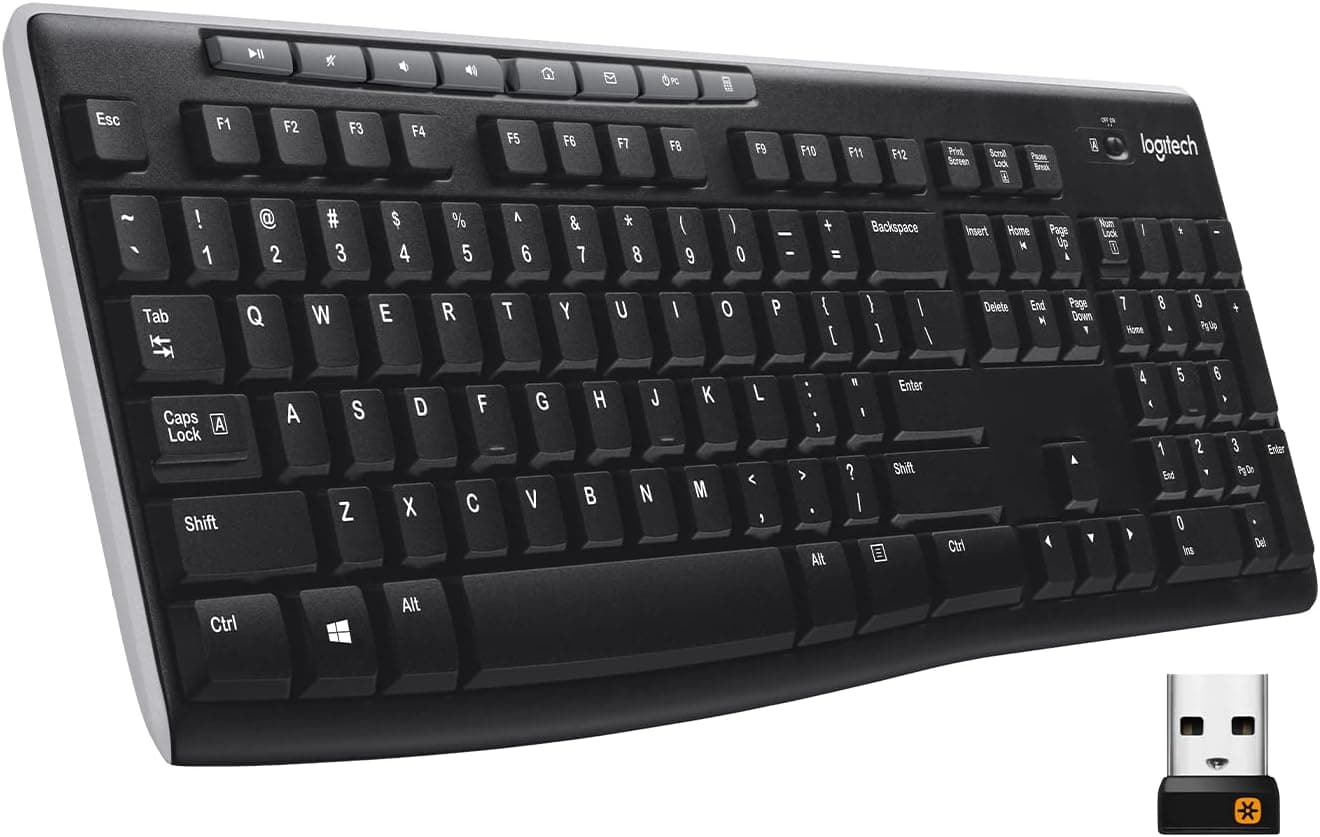
Logitech K270 Full Size Wireless Keyboard, Black
Two-year stated batteryA two-year stated battery figure is the longest of any keyboard listing here, and the receiver is named as USB-A rather than left as the word wireless. Both are the kind of detail that decides a desk layout: one port gone, and one battery you will forget about.
What the listing gives you
- +The stated battery figure is the longest among keyboards here.
- +The receiver is named as USB-A, so the port cost is unambiguous.
- +A full-size layout with a number pad is stated.
- +Eight multimedia keys are stated as a figure.
What it does not settle
- —The receiver occupies a USB-A port.
- —No Bluetooth route is stated as an alternative.
- —No operating system list is stated.
SuitsA desktop with USB-A to spare and no wish to think about batteries.
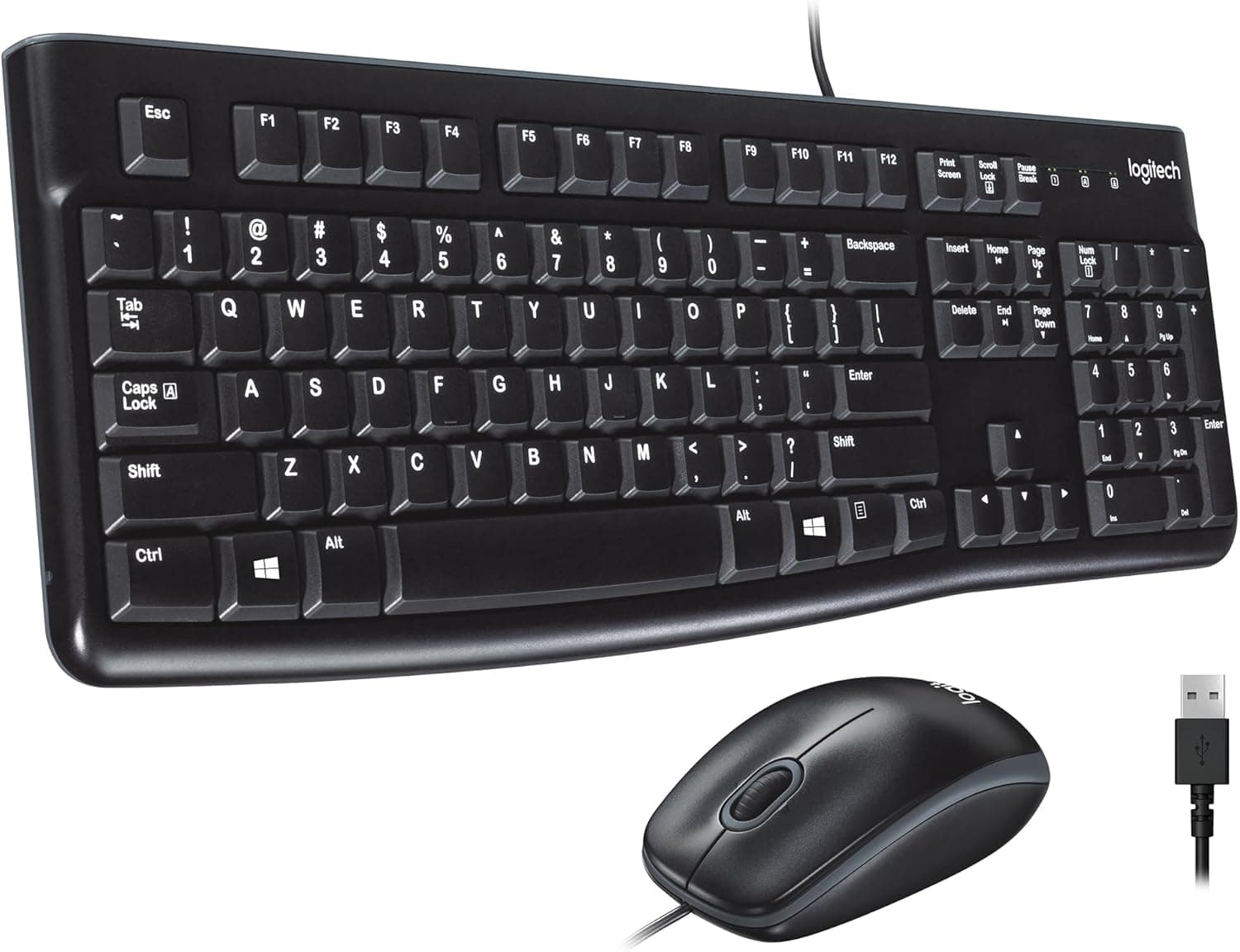
Logitech MK120 Wired Keyboard and Mouse Combo, Black
A mouse is in this boxThere is a mouse in this box. It is filed under keyboards because that is where the catalog puts it, and it is counted once, but anyone budgeting ports needs to know that using both items in the box means two USB-A ports, not one. Nothing pairs and nothing needs a battery.
What the listing gives you
- +A mouse is included, so the desk is covered by one purchase.
- +Nothing pairs and nothing needs a battery.
- +The connection is stated as USB plug and play.
- +The keyboard layout is stated as full size.
What it does not settle
- —Using both items in the box occupies two USB-A ports, not one.
- —Only Windows is named in the listing.
- —A wired connection fixes where both items can sit.
SuitsA desktop machine with USB-A ports free and no interest in pairing anything.
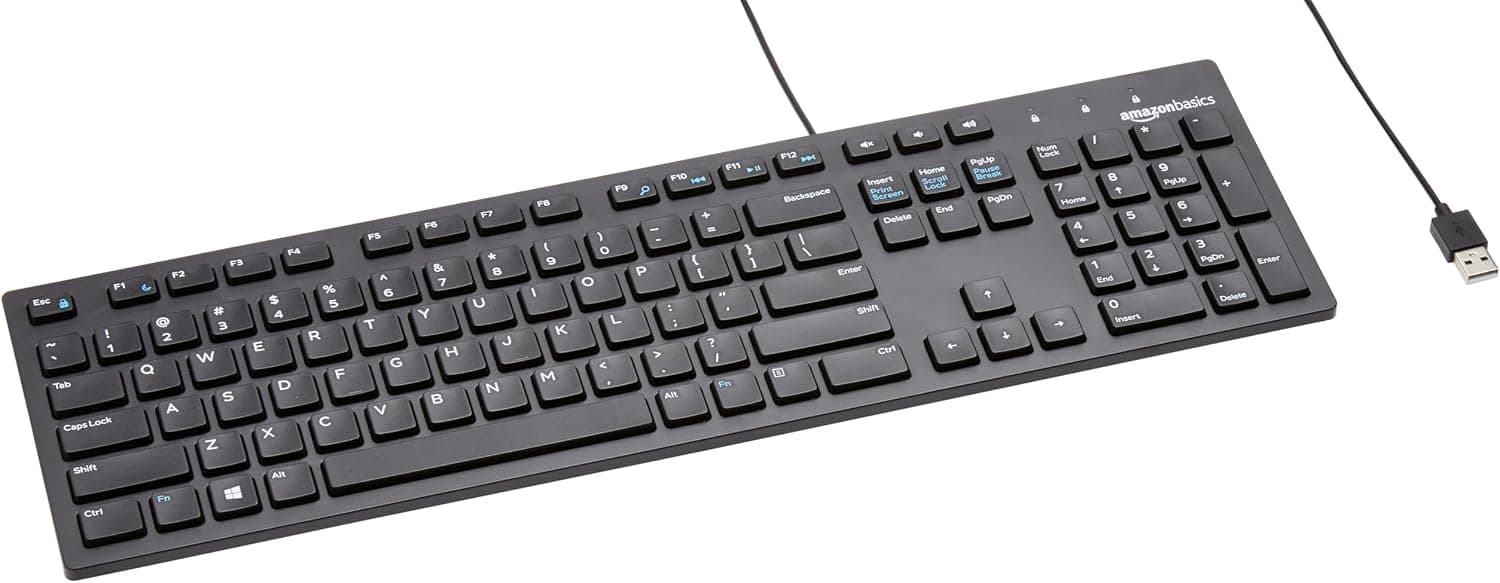
Amazon Basics Wired QWERTY Keyboard, Black
Wired, with stated media controlsA wired keyboard that also states media controls, which the other wired entry here does not. One USB-A port, no pairing, no battery, no receiver to lose. The listing names Windows and stops there.
What the listing gives you
- +Media controls are stated on a wired keyboard.
- +One port covers it, with nothing else to configure.
- +No battery and no pairing are involved.
- +The layout is stated as full-sized.
What it does not settle
- —Only Windows is named in the listing.
- —The cable fixes where the keyboard can sit.
- —It occupies a USB-A port permanently.
SuitsA machine where a port is cheaper to spend than a pairing.