Not stated
Machine output
HDMI cable
Monitor input
An HDMI cable of an unstated version
At the cable, if the cable is the weakest link in the path.
LaptopGearVault
The question is what the chain gives you once it does. A 144Hz monitor behind a cable of an unstated version. A USB-C port that carries power and no picture. Four wireless devices and two ports to put them in. None of that is a defect, none of it is on the front of the box, and all of it decides what the setup actually does.
Six chains · 48 listings · 2026
The most useful thing here
Six paths, one row each. The middle two columns are the whole idea: what the listing says, and what it does not.
| What you plug in | What the listing states | What is not stated | Where it can cap | Read it |
|---|---|---|---|---|
| A monitor over an HDMI cable | A refresh rate, a resolution, and the word HDMI | Which HDMI version the input is, and what the cable is certified for | Not stated At the cable, if the cable is the weakest link in the path | An HDMI cable of an unstated version |
| A screen over USB-C | That there is a USB-C input, and what the panel is | Whether that USB-C port at either end carries a picture | Not stated At the machine port, if it does not support the video alternate mode | A USB-C port that carries power and not video |
| A second monitor alongside the first | What each screen is, on its own | How many external displays the machine drives | Not stated At the machine, on a figure only the manufacturer page carries | One laptop and two screens |
| A keyboard or mouse with no cable and no receiver | Bluetooth, and sometimes that no receiver is included | Whether your machine has a Bluetooth radio | Stated cap At the machine, on a radio the listing never promised | A Bluetooth-only device and a machine without Bluetooth |
| A wireless keyboard and mouse with receivers | That a receiver is included, and often which port it uses | How many USB-A ports your machine has left | Stated cap At the machine, when the ports run out | Every receiver takes a USB-A port |
| A stand or a converter under the machine | That it raises the laptop, and sometimes by how much | That the built-in keyboard rises by the same amount | Stated cap At the hinge, because a laptop is one object | The riser lifts the built-in keyboard too |
What this site does and does not do
Nothing here is measured, tested or owned. This site reads listings and separates two things that look identical on a product page: what the seller states, and what the seller has not mentioned. Where a claim needs a technical figure — a standard version, a bandwidth, a display limit — it carries a link to the body that publishes it, and where no such figure exists, the page says the listing does not state it and stops.
Not stated
At the cable, if the cable is the weakest link in the path.
Not stated
At the machine port, if it does not support the video alternate mode.
Not stated
At the machine, on a figure only the manufacturer page carries.
Stated cap
At the machine, on a radio the listing never promised.
Stated cap
At the machine, when the ports run out.
Stated cap
At the hinge, because a laptop is one object.
Tool
Put a machine side, a screen and a mode together and see which of the three answers comes back. One of the three is that nobody says.
What is on the machine side
Which screen from the catalog
What you want out of it
The node that decides this one is HDMI link. Read it in full on An HDMI cable of an unstated version and HDMI.
Rule applied: R-version-silent
What this tool is doing
The rules this tool follows
Connector words
USB-C
That the port carries video at all.
Published by USB Implementers Forum
HDMI
Which specification version the port implements.
Published by HDMI Licensing Administrator
DisplayPort
Which published version the port implements.
Published by VESA
USB-A
That one manufacturer’s receiver will work with another manufacturer’s device.
Published by USB Implementers Forum
Bluetooth
That the machine has a radio to pair with.
Published by Bluetooth SIG
Scroll sideways for all five.
Numbers on the box
| The number on the box | How sellers measure it | What it does not promise | Listings stating it | Page |
|---|---|---|---|---|
| HzRefresh rate in hertz | A flat figure, such as 144Hz; Up to a figure, such as up to 144Hz; No figure at all | That the figure arrives over the cable you own. | 11 | Refresh rate in hertz |
| msResponse time in milliseconds | A bare figure, such as 1ms; GtG, such as 4ms GtG; OD, such as OD 1ms | That two figures from two sellers were measured the same way. | 8 | Response time in milliseconds |
| %Color coverage as a percentage | A percentage of sRGB at or below 100; A percentage of sRGB above 100; A percentage of DCI-P3 | That a larger percentage on one scale beats a smaller one on another. | 5 | Color coverage as a percentage |
| DPIMouse DPI | A flat figure, such as 2600 DPI; Up to a figure, such as up to 4000; A count of settings, such as 3 adjustable DPI settings | That a higher figure is more accurate. | 3 | Mouse DPI |
| lbDesk load and height | A capacity in pounds; A height range in inches; Adjustable, with no figures | That a top with no stated capacity will carry the same as one with a stated capacity. | 2 | Desk load and height |
48
listings read
Across six categories, each described only from what its own seller states.
2 of 13
name an HDMI version
Of the screens here that name an HDMI input, this many say which version it is.
13
listings take a USB-A port
Counting receivers and cables together. Wireless is not the same as portless.
14
screens in the catalog
Split across three subgroups, because a screen extender is not a monitor.
Tool
Three listings, added up in ports and pairings. It stops before the subtraction, because the second number does not exist in any listing here.
Keyboard
Mouse
Screen
2
USB-A ports occupied
0
Bluetooth pairings needed
Where each figure comes from
What these listings do not settle
The chain behind this arithmetic is Every receiver takes a USB-A port, and the connector words are decoded on USB-A and 2.4 GHz receivers and Bluetooth pairings.
The formula
Every selected item is read for one field, the connection its listing states, and that field is priced as follows. The totals above are the sum.
| Stated connection | What it costs |
|---|---|
| usb-a-receiver | 1 USB-A port |
| wired-usb-a | 1 USB-A port |
| bluetooth | 1 Bluetooth pairing |
| both | 1 USB-A port or 1 Bluetooth pairing — your choice, shown as a fork |
| not-applicable | 0 — the listing states no receiver, cable or pairing for it |
There is no subtraction step. Working out whether the total fits would need the number of ports on your machine, and no listing in this catalog states that for any machine.
About this catalog
There are 48 listings here, in six categories. They were chosen to make the chains legible, not to survey a market, and the difference matters most in one place: the laptop category holds four listings, and all four of them come from the same manufacturer. Every one is Apple. That is a narrow sample of one company’s range. It is not a picture of what is available, and nothing on this site calls any of them a best or top anything.
Three entries needed correcting rather than repeating. One is filed with the screens but clamps to a laptop lid, so it sits in a subgroup of its own and is never called a monitor. One is filed with the keyboards and has a mouse in the box, so it is counted once and the mouse is stated everywhere it appears. One is filed with the desks and is a converter that needs a desk underneath it, so it is never called a desk.
Where a listing states no figure — no port version, no refresh rate, no load capacity — the field here stays empty and says so. Substituting an average would produce a tidier table and a false one.
The panel will. Whether that arrives depends on the machine, the port and the cable, and of the 13 screens here that name an HDMI input, two name a version for it.
An HDMI cable of an unstated versionThe cable will fit. Whether a picture comes out of that port is a separate capability from power and data, and no laptop listing in this catalog states it.
A USB-C port that carries power and not videoNo listing here says. That figure is published by the manufacturer on its own specification pages, and it is the one number the retail page never carries.
One laptop and two screensOnly if it pairs. Thirteen listings here occupy a USB-A port when in use, and a receiver is a port spent for as long as the device is.
Every receiver takes a USB-A portBecause the machine has no radio. Six listings here state a pairing as their only route, and the box cannot tell you what your machine has.
A Bluetooth-only device and a machine without BluetoothIt raises the machine, and the built-in keyboard is attached to the machine, so both go up together. That is geometry, and this site describes it and stops there.
The riser lifts the built-in keyboard too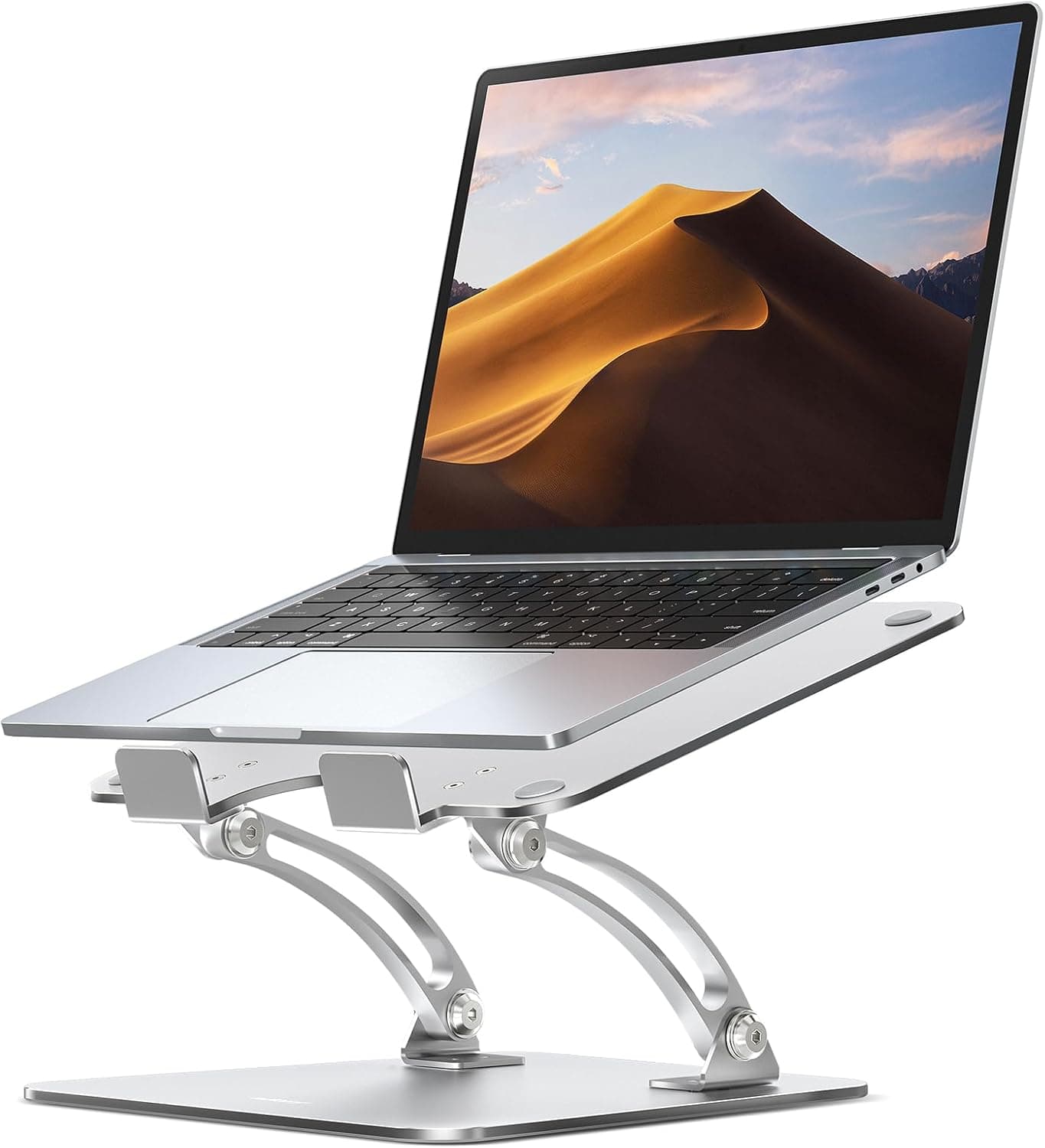
Laptop Stands
Its listing states 10 to 16 inches. The other three stands in this catalog stop at 15.6.
View listing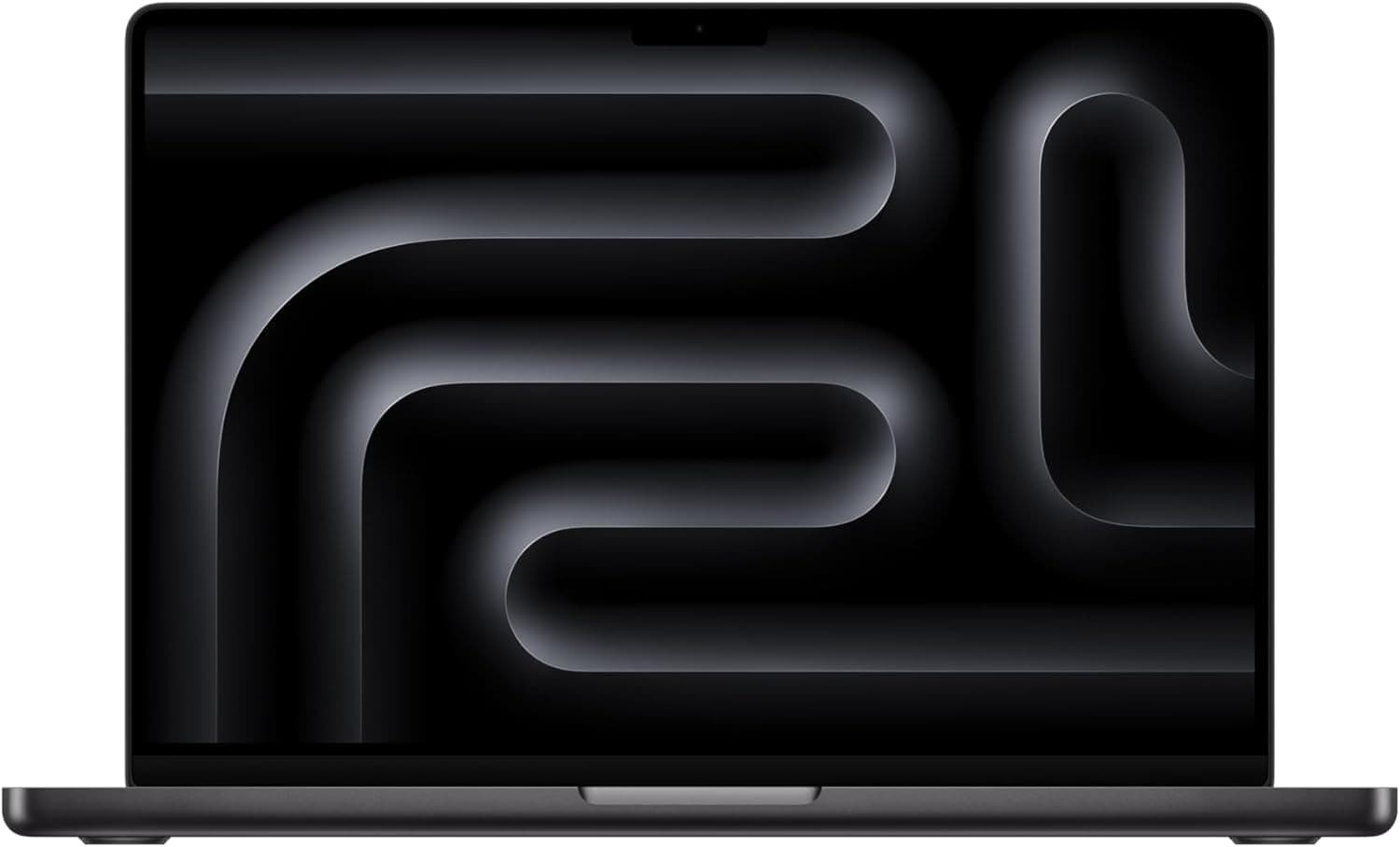
Laptops
A 10-core CPU and 10-core GPU are named here. No other laptop listing in this catalog states core counts.
View listing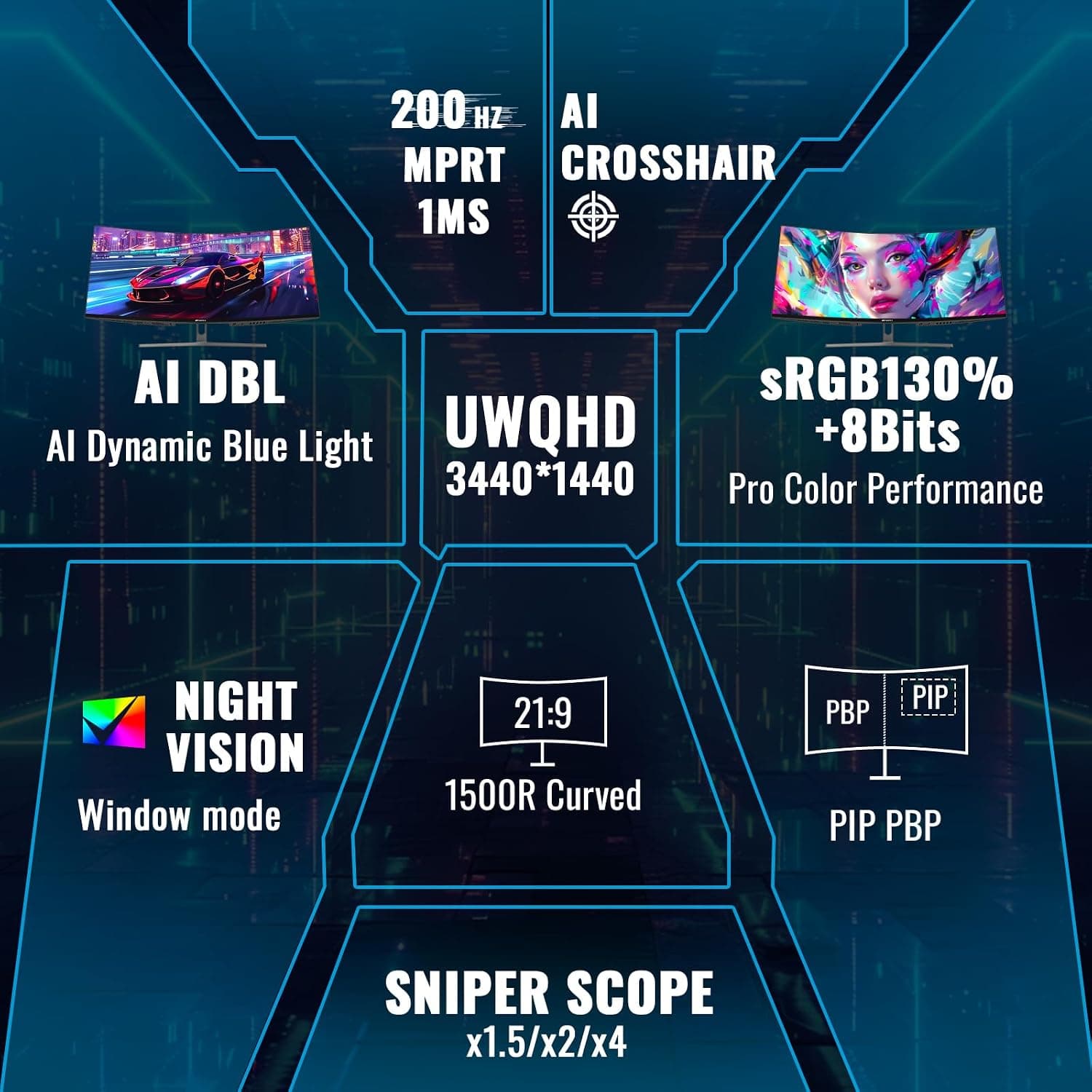
Monitors & Portable Screens
HDMI 2.1 is named in exactly one listing across the whole catalog.
View listing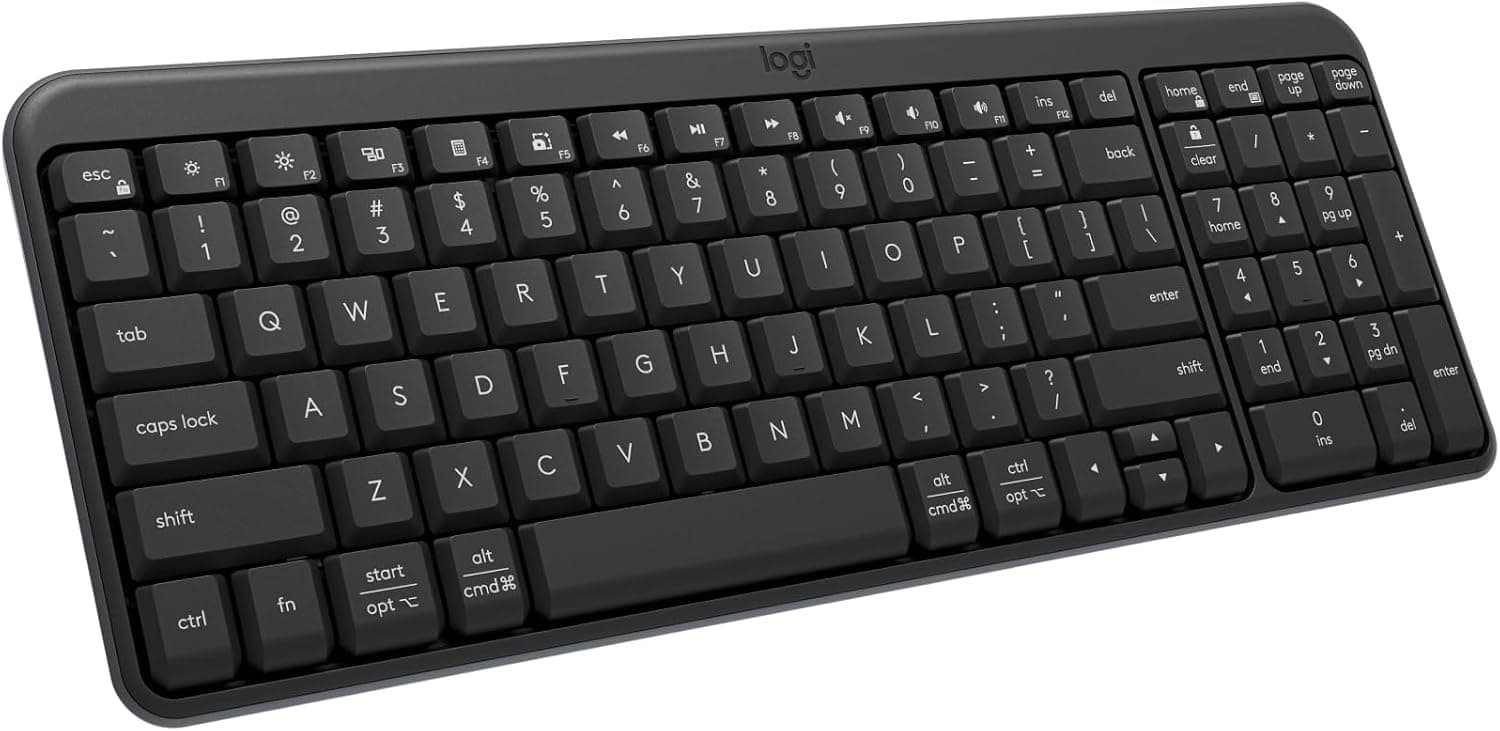
Keyboards
Of the ten keyboard listings here, one spells out that no USB receiver is included.
View listing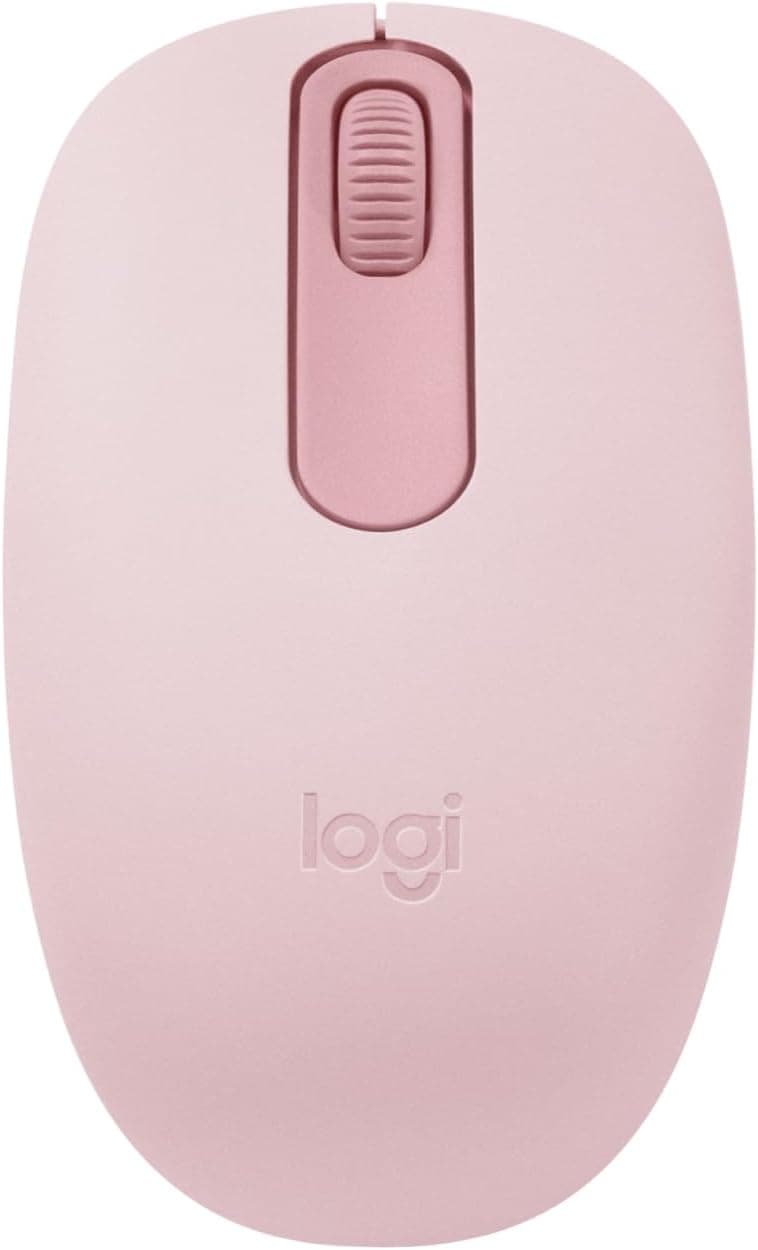
Mice
Of the twelve mouse listings here, one spells out that no USB receiver is included.
View listing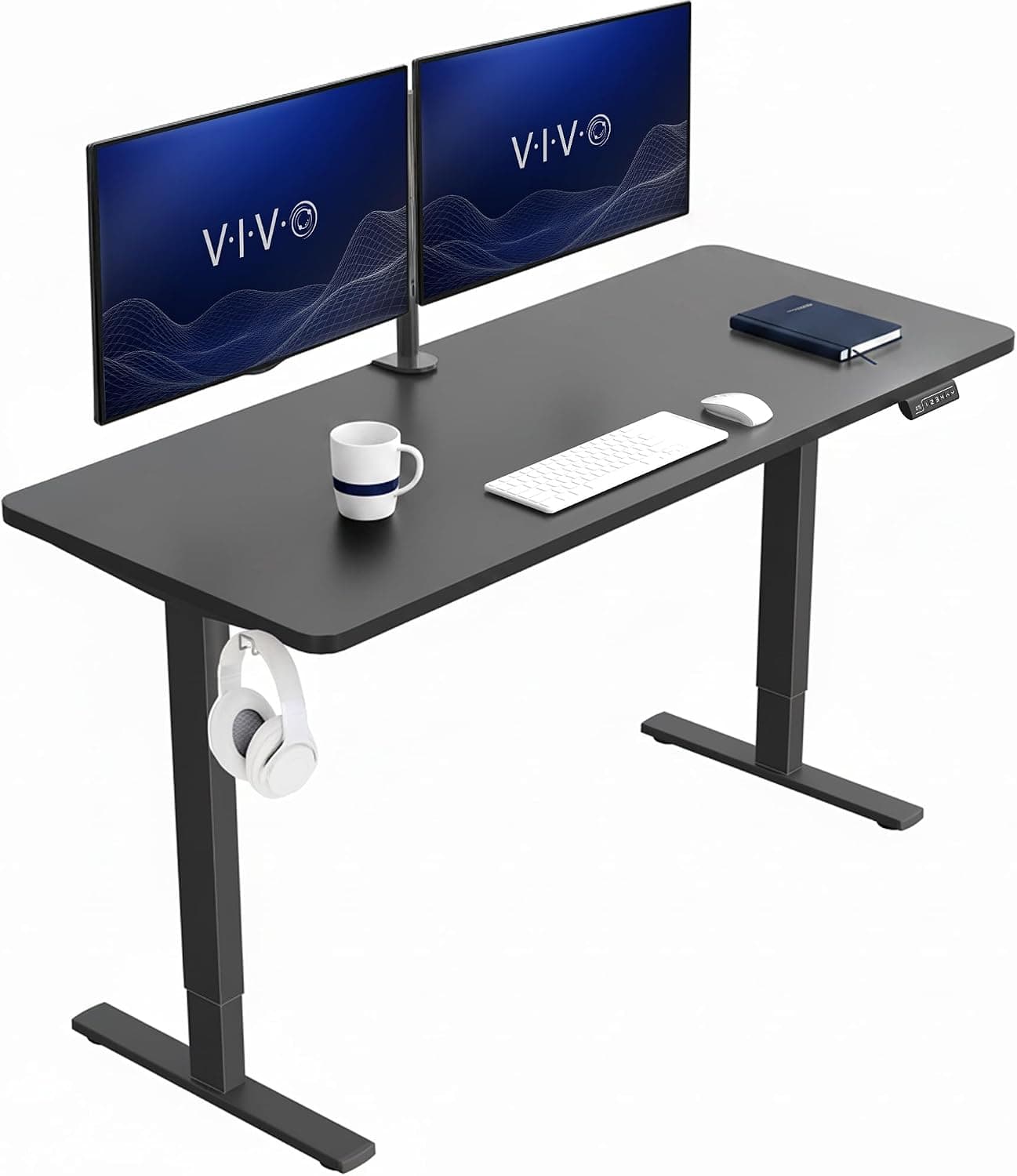
Desks & Converters
220 lb is the largest capacity figure stated in this catalog, and it appears once.
View listing